The camera animation in Deforum Stable Diffusion is a rather complicated process, where for each frame, you need to manually set the speed of camera movement. To make the animation more interesting and smooth, you need to use mathematics and insert similar formulas. In this video tutorial, we animate the camera with simple keyframes in After Effects without burdening ourselves with math.
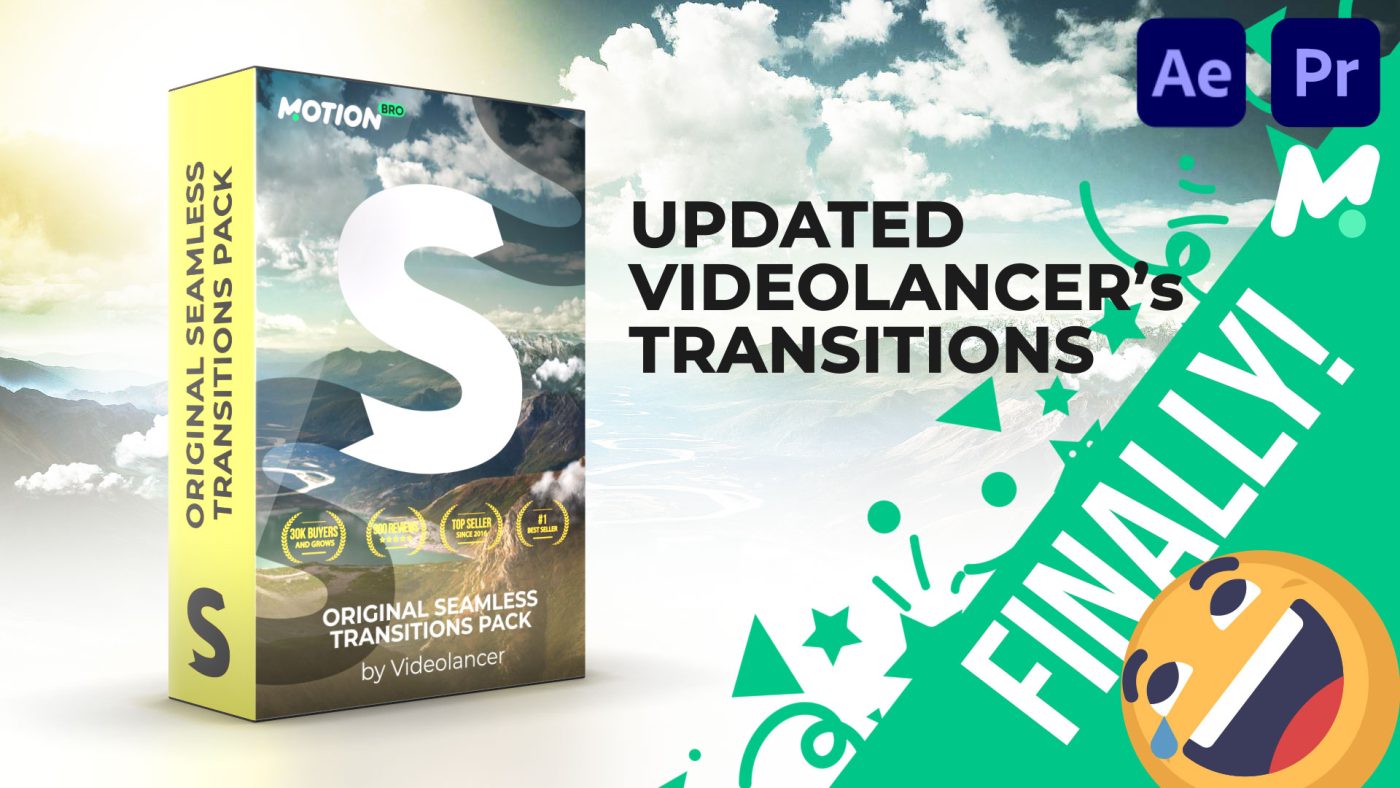
Now, we have converted all our After Effects transitions for use directly in Premiere Pro! And these are not just similar transitions created from standard Premiere Pro effects; now, this is a full-fledged clone with the same quality and with the same controllers as in After Effects.
Upgrade your regular Premiere Pro! Now you can use all the effects and presets from Adobe After Effects directly in Premiere Pro! Don’t ask why, we just did it for fun 😉 Apply any effects to your clips, exactly the same as in Adobe After Effects. You can animate effects and most importantly, you can use expressions just like in After Effects!
If you are still using the old version of Motion Bro 3, which has not been updated since 2021, then rather install the new, fourth version of the plugin. In the new Motion Bro, we fixed the shortcomings of the previous version and also added many new improvements.
The Motion Bro SFX Pack is a sound effects library consisting more than 50 unique sound styles. You can easily use these sound effects with all compatible packs from the Motion Bro store. You no longer need to spend extra time on sound design. Just choose a video preset in the plugin and add it to the timeline with exactly the sound style that best suits your video project.
You don’t need to download preset packs manually. Simply enter your license key in the Motion Bro plugin and install all preset packs linked to your license key.
An explanation of how to use the Motion Bro plugin in After Effects
An explanation of how to use the Motion Bro plugin in Premiere Pro